


For teams
Operator
$500a month
- 20 verified resolutions
- 5 users
Scyron resolves customer support and IT issues by working directly on real phones and laptops, and shows your team every step of the fix as it happens.
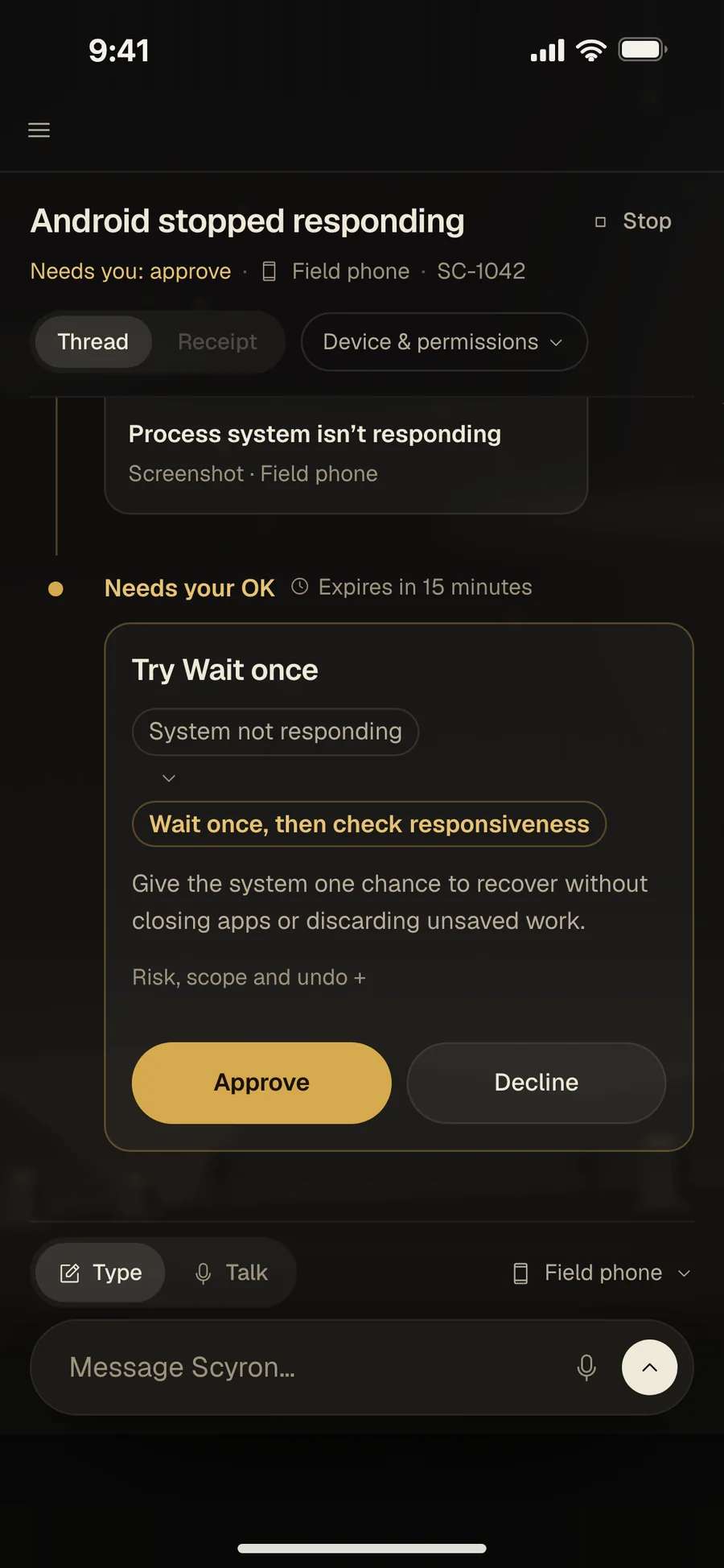
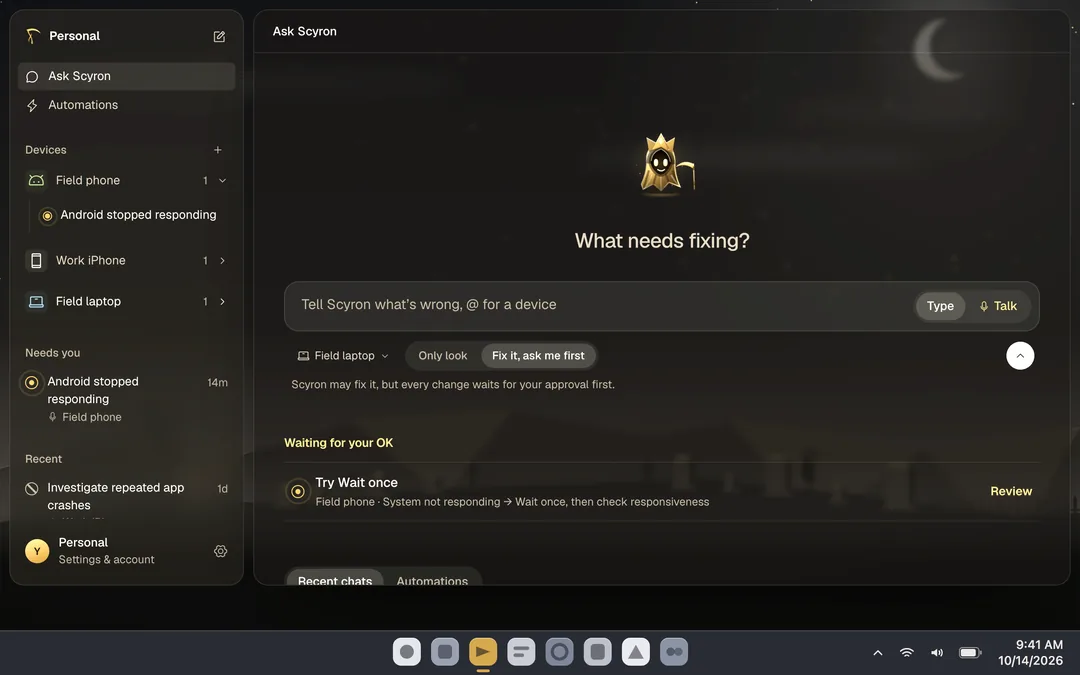
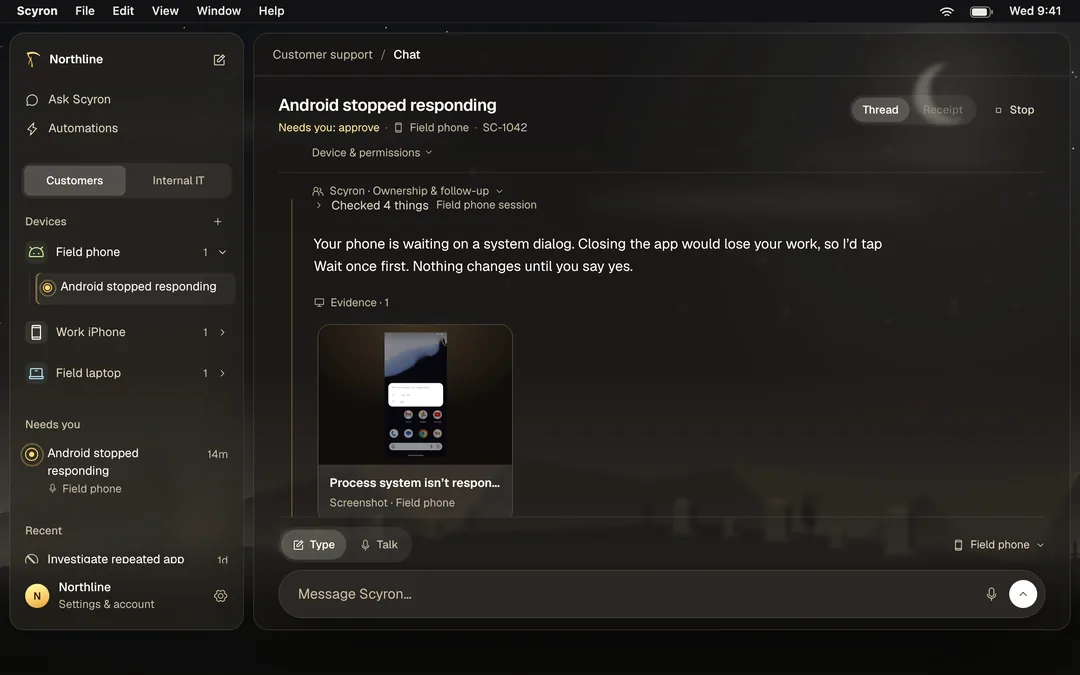
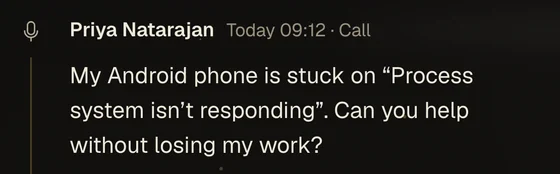
Scyron answers and opens a thread.
Priya NatarajanDispatch
On a call
Thread opened
It asks to see the screen before it touches anything.
Screen · read only
Looked at 4 things
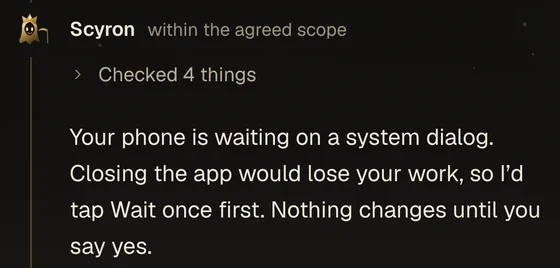
A named person approves each change on their own device.
Approved
StopTry Wait once
This call only
Approved by Priya
Only that, nothing more.
Thread · Field phone
What it checked, changed and could not verify.
Example receipt · unsigned preview
Fixed · verified
4 looked at1 changed3 of 4 passed
Left as it was: background sync
JRJonah Reyes, IT, can open this thread.
See the consoleIllustrative call. Results depend on the device and its permissions.
Every way in
Scyron meets your team on the device in front of them and brings requests in from the systems they already use.
Device surfacespermissioned by platform
Ticket intakerolling out
Platform actions depend on device permission. Ticket-channel availability is rolling out by workspace. Hover an icon to identify it.
Every call, step, approval and receipt, in one place.
Diagnosis is free. A fix counts only when its receipt verifies it.
For teams
$500a month
For you
$25per verified fix
How Scyron works
How Scyron reaches a device, who approves, and what you get back.
It works through screen sharing, an app or your device management.
New credentials, spending, deletions and security changes always need a named approver.
Each session names the device, scope and time limit. Secrets stay in a vault.
What was checked, what changed, who approved, and what could not be verified.
Available checks and actions depend on the device and its permissions.
Works with


Your tools say what should be true. Scyron makes it true, then checks.
Logos identify third-party products.
Get started
Start with the problem your team is tired of.